


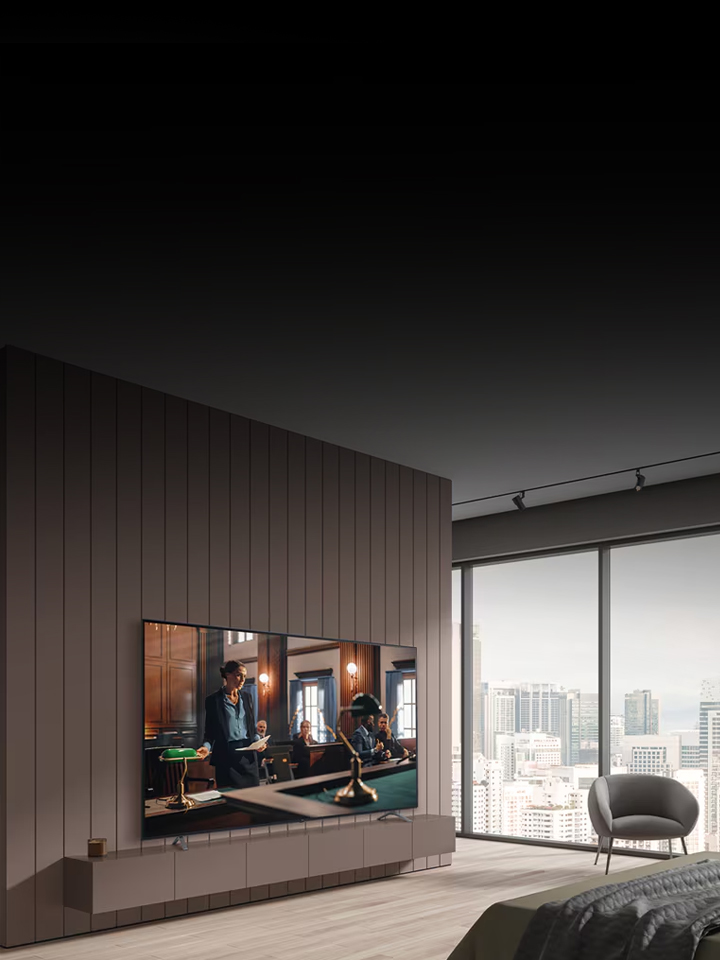
Hotel TV
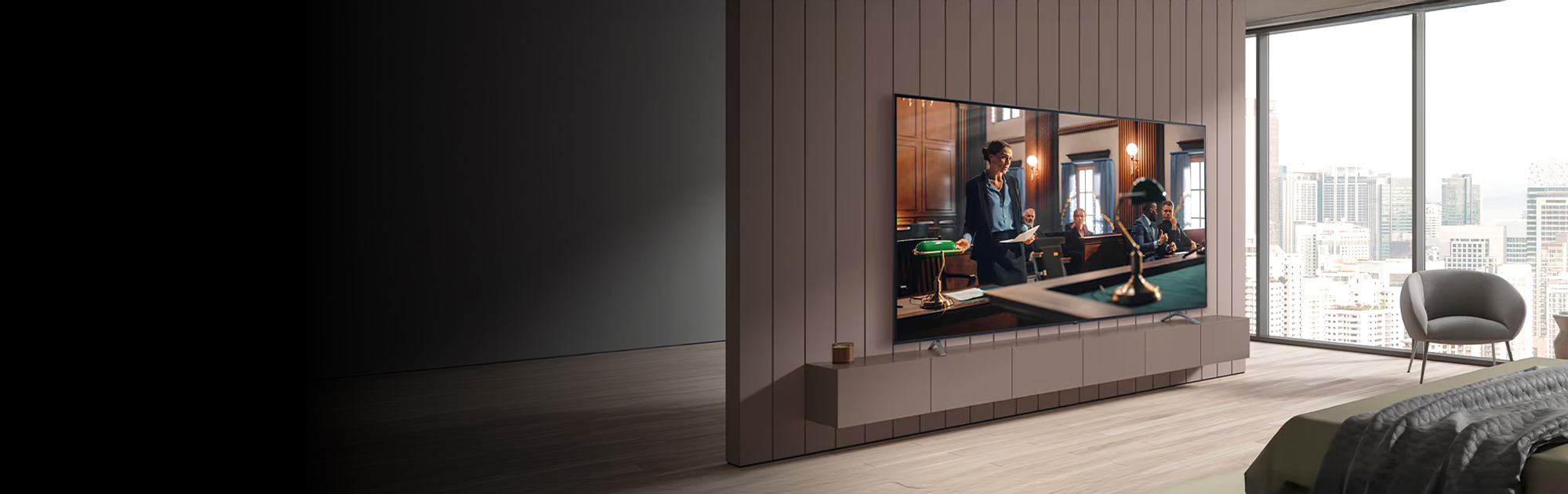
Explore LG's hotel TV solutions with OLED and UHD smart TVs. Elevate interactive guest experience with LG hospitality TV displays designed for comfort, convenience, and engagement.
People Also Ask
Key questions about our products and services.
Q. What types of hotel TVs does LG offer?
A : LG provides a range of hotel TVs including OLED hotel TVs and UHD TVs designed specifically for the hospitality industry. These commercial TVs offer stunning visuals and advanced entertainment features to enhance guest experiences.
Q. Which LG Hotel TV models support TV casting?
A : Models that support TV casting include the UK660H series and AM960H series.
Q. Which LG Hotel TV models are available with embedded OTT apps?
A : Models that support embedded OTT apps include the AM960H series and UK660H series.
Q. Which screen sizes are available for LG hospitality TVs?
A : LG hospitality TVs come in a variety of screen sizes, including 24", 27", 32", 43", 48", 50", 55", 65", 70", 75", 77", and 86" to accommodate different room sizes and guest preferences. The display sizes are variable by models.
Q. Can LG hotel TVs be integrated with existing hotel management systems?
A : Yes, LG’s Pro:Centric solution line with LG hospitality display is designed to integrate with various hotel management systems, enabling guest service features and content control.